Mathematics can help, but beginners can start through stories, patterns, games and visual logic.
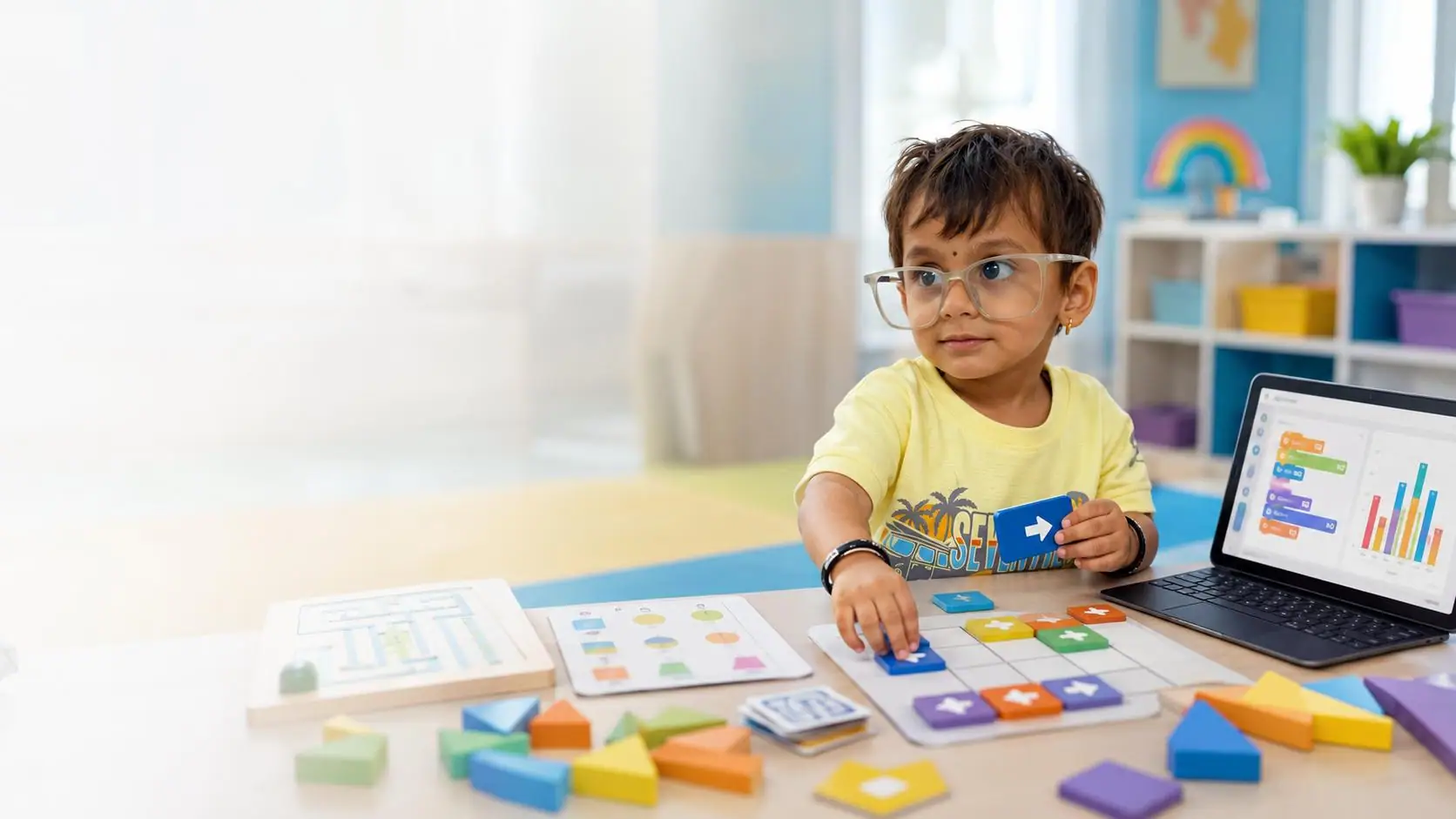
Coding Classes for Kids in Tripura for Grades 2-10 Help your child learn how to create with technology through Skillonit's Coding Classes for Kids in Tripura. The three-month program is designed for school students from Grade 2 to Grade 10 and uses stories, games, animation, logic challenges, webpages, beginner programming and age-appropriate AI activities. Students start at a level that matches their reading, typing, problem-solving and prior coding experience. Younger learners build with visual blocks and creative projects. Middle-grade learners explore game logic, variables, conditions, debugging, MakeCode and web foundations. Older learners can move into Python, HTML, CSS, selected JavaScript and optional C or C++ foundations when included in the active batch. The goal is a meaningful foundation, not an unrealistic promise to master every language in a few weeks.
Help your child learn how to create with technology through Skillonit's Coding Classes for Kids in Tripura. The three-month program is designed for school students from Grade 2 to Grade 10 and uses stories, games, animation, logic challenges, webpages, beginner programming and age-appropriate AI activities. Students start at a level that matches their reading, typing, problem-solving and prior coding experience. Younger learners build with visual blocks and creative projects. Middle-grade learners explore game logic, variables, conditions, debugging, MakeCode and web foundations. Older learners can move into Python, HTML, CSS, selected JavaScript and optional C or C++ foundations when included in the active batch. The goal is a meaningful foundation, not an unrealistic promise to master every language in a few weeks. Book a Free Demo in Tripura Download the Age-Wise Syllabus
Learners who want face-to-face teaching, fixed batches, and local classroom guidance.
Included in this mode
Learning flow
Parents searching for the Best Coding Classes for Kids in Tripura should compare the age-wise syllabus, sample projects, trainer experience with children, class size, delivery mode, device requirements, safety policy and parent progress process. A long list of programming languages is not proof of quality. The child should understand and explain the project rather than only copy steps. Searches such as Best software training institute for Kids Coding in Tripura, Best software Kids Coding institute in Tripura and Best Kids Coding software training institute in Tripura are included for discoverability, but the page should not claim to be number one without objective evidence. Skillonit should demonstrate value through current curriculum, clear policies, verified trainers and genuine parent feedback. Age-Wise Coding Pathways in Tripura Pathway
By the end of the approved pathway, a learner should be able to demonstrate progress in several of the following outcomes. The exact level depends on grade, attendance, practice and project scope.
Explain that a program is a sequence of instructions executed by a computer or device.
Use events, loops, conditions and variables in an age-appropriate coding environment.
Break a problem into smaller tasks and create a simple step-by-step algorithm.
Active module
1Phase
2Learning focus
3Typical evidence
4Weeks 1-3: Discover
Selected batch
Start DateUpcoming
TimingsRegular live sessions
Duration3 Months
ModeClassroom

Lead Trainer
Kids Specialist
6+
Years Experience
LAB
Practice Support
Display the actual trainer assigned to the active batch. A useful profile describes experience teaching school-age learners, tools taught, project examples, teaching languages, child-friendly communication style and verified qualifications. Do not publish generic claims such as 500+ learners or a fixed number of years unless approved records support them. Explains coding in age-appropriate language and checks understanding frequently. Uses positive correction and avoids embarrassing a child for mistakes.
Neha Pawar focuses on practical Kids Coding training with a learner-first approach. Sessions combine clear concept explanation, demonstrations, lab-based practice, and interview-oriented guidance so students understand how the skill is applied in real work.
Explains coding in age-appropriate language and checks understanding frequently.
Uses positive correction and avoids embarrassing a child for mistakes.
Can adapt tasks for different reading, typing and prior-experience levels.
Maintains approved communication boundaries and safeguarding procedures.
Provides actionable project feedback and parent-facing progress information.
Discloses the trainer assigned to the batch before or during enrolment according to policy.
What Is Kids Coding? Kids coding is the age-appropriate study of how instructions, data and digital systems work. Children learn to break a problem into smaller steps, arrange those steps in a sequence, notice patterns, test a solution and improve it when something goes wrong. A visual coding tool can represent these ideas as colourful blocks. A text-based language represents the same ideas with written syntax. Both approaches are useful when introduced at the right stage. Coding for children should be creative, not limited to copying commands from a screen. A learner might animate a character, create a quiz for a school subject, design a maze game, build a personal webpage or program a simple simulation. These activities connect logic with storytelling, art, mathematics, language, science and everyday problem-solving. The project gives the child a reason to understand loops, conditions, variables, events and debugging.
Course-completion certificate
Assignment and project-based validation
Useful for resume and portfolio building
Certificate details subject to current course policy

Certificate ID
SKL-KID-2026
Certificate of Completion
This certifies that the student has completed Skillonit’s Kids Coding training with practical tasks, quizzes, and project assessment.
Presented to
Student Name
For successful completion of Kids Coding Course
Completion Date
18 Jun 2026
Authorized Signature
Verification-ready certificate preview for LMS completion.
By the end of the approved pathway, a learner should be able to demonstrate progress in several of the following outcomes. The exact level depends on grade, attendance, practice and project scope.
Explain that a program is a sequence of instructions executed by a computer or device.
Use events, loops, conditions and variables in an age-appropriate coding environment.
Break a problem into smaller tasks and create a simple step-by-step algorithm.
Test a project, identify a bug and make an improvement after feedback.
Create an original digital artifact such as a story, game, animation, webpage or beginner app.
Use safe habits for passwords, personal information, online sharing and digital communication.
Recognise that AI systems learn from data, can make mistakes and should be used responsibly.
Describe the goal, users, features and challenges of a completed project.
Give and receive respectful feedback during pair or group work.
Plan the next learning step, such as advanced Scratch, Python, web development, AI or robotics.
Tools students practice
This course blends clear concepts, practical training, guided projects, quizzes, and career-focused assessment to help learners build confidence and move toward real opportunities.
Public sharing is optional. Parent consent, platform age requirements and privacy rules apply to every account, recording, photograph, testimonial and public project.
Mathematics can help, but beginners can start through stories, patterns, games and visual logic.
By the end of the approved pathway, a learner should be able to demonstrate progress in several of the following outcomes. The exact level depends on grade, attendance, practice and project scope.
Explain that a program is a sequence of instructions executed by a computer or device.
Use events, loops, conditions and variables in an age-appropriate coding environment.
Break a problem into smaller tasks and create a simple step-by-step algorithm.
Test a project, identify a bug and make an improvement after feedback.
Create an original digital artifact such as a story, game, animation, webpage or beginner app.
Use safe habits for passwords, personal information, online sharing and digital communication.
Recognise that AI systems learn from data, can make mistakes and should be used responsibly.
Describe the goal, users, features and challenges of a completed project.
Give and receive respectful feedback during pair or group work.
Plan the next learning step, such as advanced Scratch, Python, web development, AI or robotics.
Admission enquiry
Share your details and our team will help you choose the right Kids Coding batch, learning mode, syllabus, fee plan, and career path.
Parents searching for the Best Coding Classes for Kids in Tripura should compare the age-wise syllabus, sample projects, trainer experience with children, class size, delivery mode, device requirements, safety policy and parent progress process. A long list of programming languages is not proof of quality. The child should understand and explain the project rather than only copy steps. Searches such as Best software training institute for Kids Coding in Tripura, Best software Kids Coding institute in Tripura and Best Kids Coding software training institute in Tripura are included for discoverability, but the page should not claim to be number one without objective evidence. Skillonit should demonstrate value through current curriculum, clear policies, verified trainers and genuine parent feedback. Age-Wise Coding Pathways in Tripura Pathway
Build strong foundation skills in Kids Coding
Apply concepts through guided practical projects
Use portfolio work to start client-ready practice
Prepare for internships, jobs, or higher learning
Book a Free Demo in Tripura
Download the Age-Wise Syllabus
Enrol Your Child
Kids Coding Course in Tripura - Quick Facts
Item
City-specific details
Grades
Internship Program
Skillonit’s Kids Coding Internship Program in Tripura is a mentor-guided practical pathway available in 1-month, 3-month and 6-month formats. Participants learn how to develop logic, creativity and confidence through block coding, games, stories, beginner web pages, age-appropriate Python and responsible AI awareness. The program combines structured training, assignments, project reviews, documentation, portfolio support and a completion certificate subject to published requirements.
The internship is designed for school students in Grades 2–10, grouped by age and readiness, with parent or guardian communication. It turns course knowledge into structured practice through mentor-led onboarding, guided tasks, project milestones, review meetings, documentation and a final presentation. Participants are expected to build, test, explain and improve their work instead of only watching demonstrations.
Available durations
1 month, 3 months and 6 months
Delivery modes
Live online, classroom or hybrid—subject to the selected batch and location
Local availability
Local centre, mode, start date and seat availability are shared only from verified city data.
Learning model
Training + mentor-guided tasks + project reviews + portfolio evidence
Projects
Mini project, guided projects and capstone according to duration
Support
Onboarding, doubt clearing, task planning, review feedback and presentation guidance
About Program
Skillonit’s Kids Coding internship is designed as a bridge between learning and practical delivery. Interns begin with a baseline assessment and a clear task plan, then progress through demonstrations, guided exercises, independent work and review. The focus is on understanding why a solution works, how to communicate decisions and how to improve quality after feedback.
The work is aligned with computer use, digital safety and logical thinking, beginner web design and Python for suitable age groups and text-based projects for older learners. Longer pathways include more complex requirements, collaboration, documentation, testing and presentation. Interns maintain a task log or project board so that progress can be reviewed objectively rather than judged only by the final output.
The internship does not guarantee employment, freelance income, client allocation or a stipend. It provides practical exposure, evidence of completed work and career-readiness support. Any employment or paid internship opportunity is published separately with its own eligibility, application deadline, compensation and selection process.
Duration Options
The one-month pathway is a focused four-week experience for learners who want an introduction to professional coding and computational thinking for children practice. It prioritizes orientation, essential tools, one clear workflow and a mentor-reviewed mini project. It is most suitable for beginners, students testing the domain, or course learners who need a short practical component.
Week 1 – Orientation and foundation: skill assessment, program rules, tool setup, task tracking, computer use, digital safety and logical thinking and a short guided exercise.
Week 2 – Core practice: Scratch or MakeCode programming, mentor demonstration, individual practice and a quality checklist.
Week 3 – Mini project build: apply creative games, stories and animations to a scoped project with milestone review and corrections.
Week 4 – Finalization: testing or quality review, documentation, presentation, mentor feedback and next-learning roadmap.
Expected 1-month evidence: One completed mini project, task log, project summary, mentor feedback record and final presentation. Example project: Animated story.
The three-month pathway is the recommended option for learners who want meaningful portfolio evidence. It combines a foundation phase, an applied phase and a capstone phase. Interns work on at least two guided assignments and one larger project, with regular reviews that focus on quality, documentation and problem-solving.
Month 1 – Foundation and workflow: computer use, digital safety and logical thinking, Scratch or MakeCode programming, creative games, stories and animations; tool setup; guided exercises; communication and documentation standards.
Month 2 – Applied delivery: beginner web design and Python for suitable age groups, problem-solving, debugging and project planning, simple AI literacy and data activities; first project review; debugging, critique or analysis; iteration after feedback.
Month 3 – Capstone and portfolio: build Interactive quiz or another approved project; complete testing, documentation, presentation and portfolio packaging.
Expected 3-month evidence: Two guided projects, one capstone, weekly progress records, review notes, final presentation and a portfolio-ready case study. Suggested project options include Scratch game, Interactive quiz and Personal web page.
The six-month pathway is intended for learners seeking deeper, sustained practical experience. It includes specialization, team workflow, quality assurance and a production-style capstone. Interns gradually take greater ownership while remaining accountable to scope, security, ethics and mentor review.
Month 1 – Foundation: computer use, digital safety and logical thinking and Scratch or MakeCode programming, baseline tasks and work standards.
Month 2 – Core build: creative games, stories and animations plus the first guided project and review cycle.
Month 3 – Applied specialization: beginner web design and Python for suitable age groups and problem-solving, debugging and project planning with an intermediate project.
Month 4 – Integration: simple AI literacy and data activities and cross-functional workflow, documentation and quality checks.
Expected 6-month evidence: A structured portfolio containing three or more projects, an advanced capstone, documented iterations, mentor reviews, a presentation and a skills matrix. Suggested advanced projects include Personal web page, Beginner Python mini application and Student innovation showcase project.
Skills and Tools
Working Environment
The exact stack may vary by batch and project. Typical tools include Scratch, MakeCode, Code.org activities, HTML/CSS for suitable learners, Python for suitable learners, simple app builders, safe AI literacy tools, supervised portfolio space. Skillonit should publish only the tools that are actually supported in the selected batch and provide setup guidance, access requirements and alternatives where paid licences are involved.
Project Practice
Real client projects are included only when an approved project, permission and review process are available; otherwise learners work on realistic industry simulations or mentor-designed capstones.
Training Support
Workflow
Eligibility
No prior coding is needed. A device and parent-approved account access may be required depending on the batch.
Assessment
Evaluation should be transparent and based on evidence rather than vague participation. Recommended criteria include attendance, timely task completion, understanding of the work, quality of implementation, response to feedback, documentation, ethics and final presentation. The certificate should state the program title, duration, completion date and credential ID only when those fields are actually maintained by Skillonit.
Certification and Career
The internship can support preparation for roles such as Kids Coding Project Participant, Student Creator, Young Programmer, School Technology Club Participant, Junior Innovation Challenge Participant, Supervised Coding Portfolio Learner. It may also help learners demonstrate practical work for further study, entry-level applications, freelance proposals, startup prototypes or internal role transitions. Outcomes depend on the learner’s starting level, effort, project quality and the requirements of each opportunity; no job, income, client or admission result is guaranteed.
Program Features
Search Focus
Apply Now
Apply for the Kids Coding Internship Program in Tripura and choose the duration that matches your goals. Complete the application form with accurate information so the admissions and mentor team can recommend the appropriate pathway.
Apply Now
Internship FAQs
Skillonit’s Kids Coding Internship Program in Tripura is a mentor-guided practical pathway available in 1-month, 3-month and 6-month formats. Participants learn how to develop logic, creativity and confidence through block coding, games, stories, beginner web pages, age-appropriate Python and responsible AI awareness. The program combines structured training, assignments, project reviews, documentation, portfolio support and a completion certificate subject to published requirements.
Learners can choose 1 month, 3 months or 6 months. The one-month track is introductory, the three-month track is portfolio-focused, and the six-month track provides deeper project and production-style experience.
Yes, the foundation pathway is designed for learners who meet the basic device and participation requirements. No prior coding is needed. A device and parent-approved account access may be required depending on the batch.
Projects may include Animated story, Scratch game, Interactive quiz, Personal web page. Final projects are selected according to duration, learner level, mentor capacity and available project briefs.
Yes. The program combines concept refreshers, guided exercises and tool setup before independent tasks. Training depth depends on the selected duration and baseline assessment.
The program includes mentor-guided projects. A real client or production project is offered only when a suitable approved opportunity is available; otherwise, the learner completes a realistic industry simulation or internal capstone.
A completion certificate may be issued after the learner meets the published attendance, task, project, evaluation and final-presentation requirements.
A stipend is not automatic. Stipend status must be displayed for each approved opening. A training internship may have a program fee, while a genuine employment internship must be published separately with its own terms.
Online, classroom and hybrid options may be available. The exact mode, schedule and mentor availability should be confirmed for the selected batch.
Yes, subject to eligibility, schedule and mentor capacity. Weekend or evening options may be offered when listed in the active batch information.
No. The program provides practical learning, portfolio evidence and career-readiness support, but employment, freelance income, client allocation and interview results depend on external selection processes.
Select Apply Now, choose the duration and mode, submit accurate education and skill details, and complete any baseline task requested by the internship team.
Classroom availability depends on the verified local centre, mentor capacity and active batch. Display the exact address and mode only when confirmed.
The approved fee should be loaded from the CMS for the selected duration and batch. Do not place a generic or outdated fee in the page copy.
Yes, when an online batch is active and the learner has the required device, internet access and schedule availability.
Popular searches covered
These are the common search topics this page answers through the course information, syllabus, FAQs, fees, batches, tools, projects, certification, and career-support sections.
Course guide
A detailed, student-friendly guide covering the learning path, tools, projects, career preparation, certification, and course expectations.
Students from Grade 2 to Grade 10 can join. The trainer recommends a pathway based on readiness and prior experience.
Yes. The program begins with age-appropriate foundations and includes extension challenges for experienced learners.
The planned course is approximately three months. Check the active Tripura batch for exact weeks, frequency and total hours.
The pathway may include Scratch, MakeCode, HTML, CSS, Python and optional extensions. Confirm the exact age-wise syllabus.
No. Python is for suitable older or ready learners; younger students focus on visual coding and foundational logic.
They are optional introductory extensions for approved older-grade batches, not a core promise for every learner.
Yes, introductory AI literacy, data awareness, limitations, ethics and responsible use are included.
Use the current batch data to confirm online mode, platform, timings and timezone.
A laptop or desktop is recommended. Exact operating-system, browser and account requirements are shown for the active batch.
Progress communication is provided according to the approved policy and may include attendance, milestones, strengths and next steps.
Only when the batch recording and parent-consent policy permits it. Recording should not be assumed.
Yes, projects may include games, stories, animations, webpages, Python mini programs, app prototypes and a capstone.
Eligible learners may receive a Skillonit course-completion certificate after meeting the published criteria.
Robotics or physical computing is optional and depends on the approved batch and equipment.
Use Get Course Fees for the approved quotation and check whether materials, hardware or recordings are included.
Book a demo, review the syllabus and policies, confirm the batch and complete the parent or guardian enrolment process.
No. It provides a coding foundation; results depend on continued learning, interests and practice.